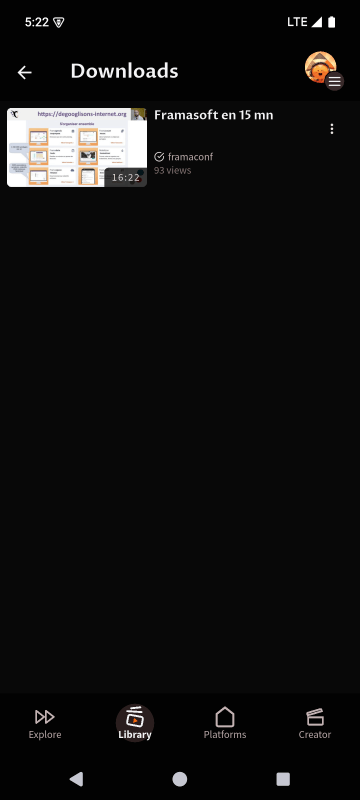

Watch a video
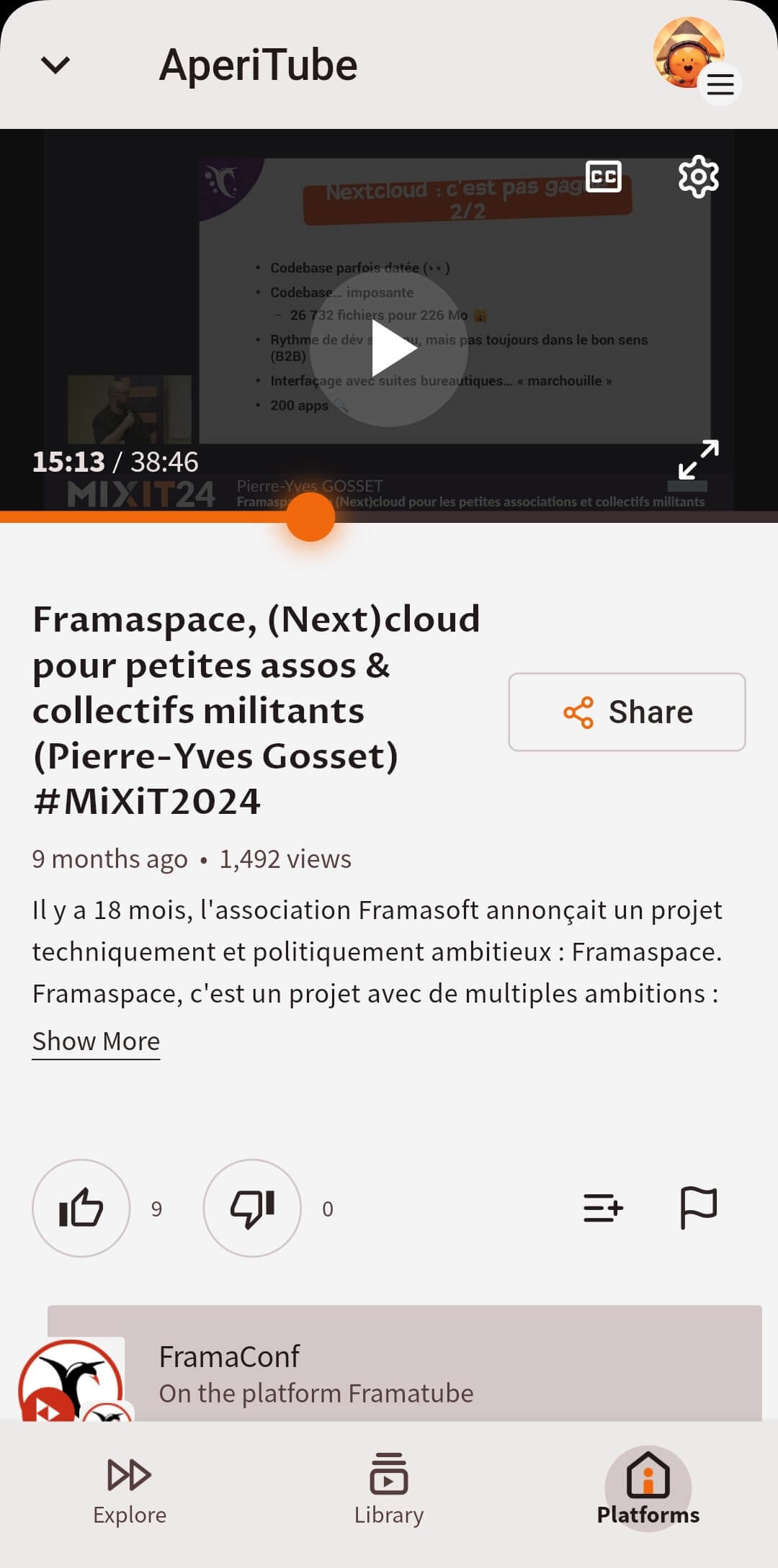
Watching a video
Vertical view:
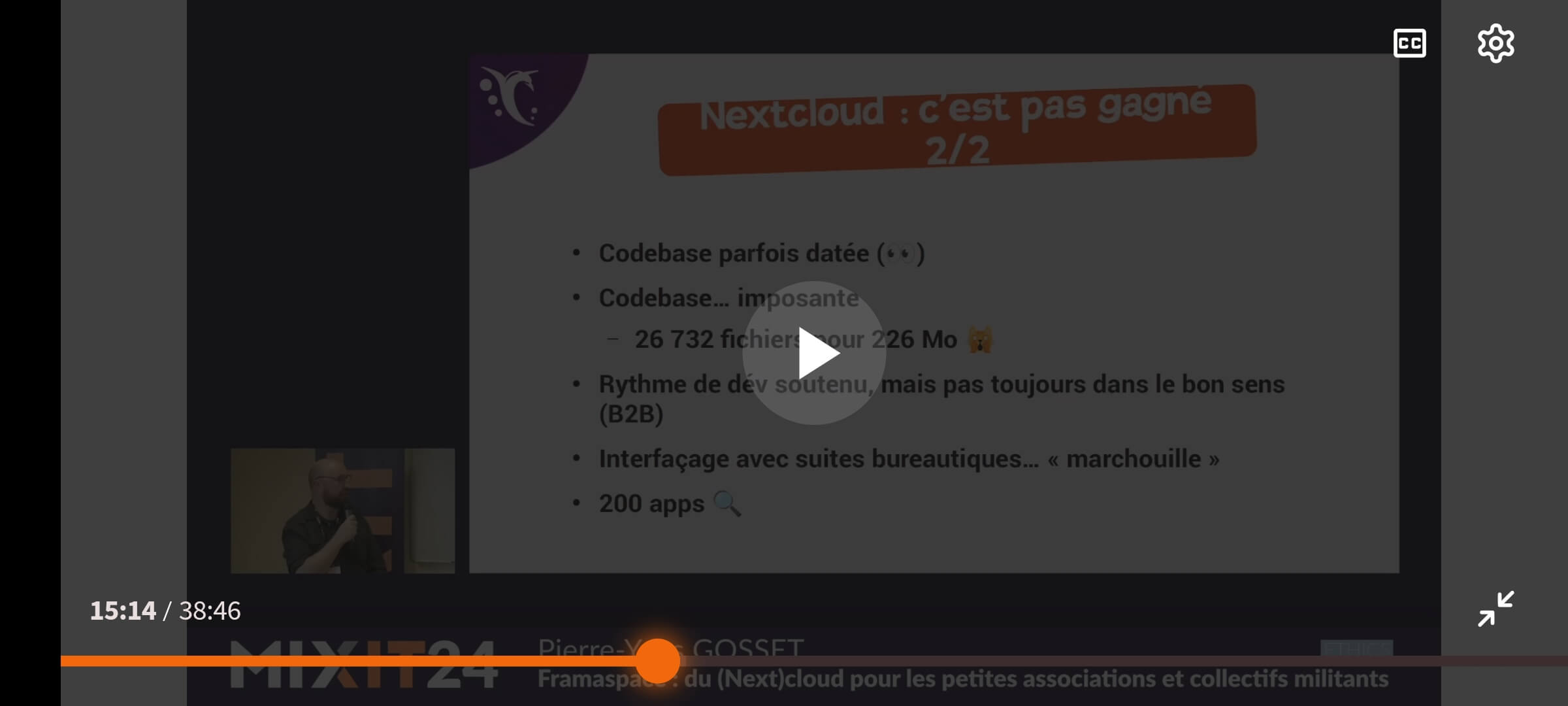
Horizontal view:
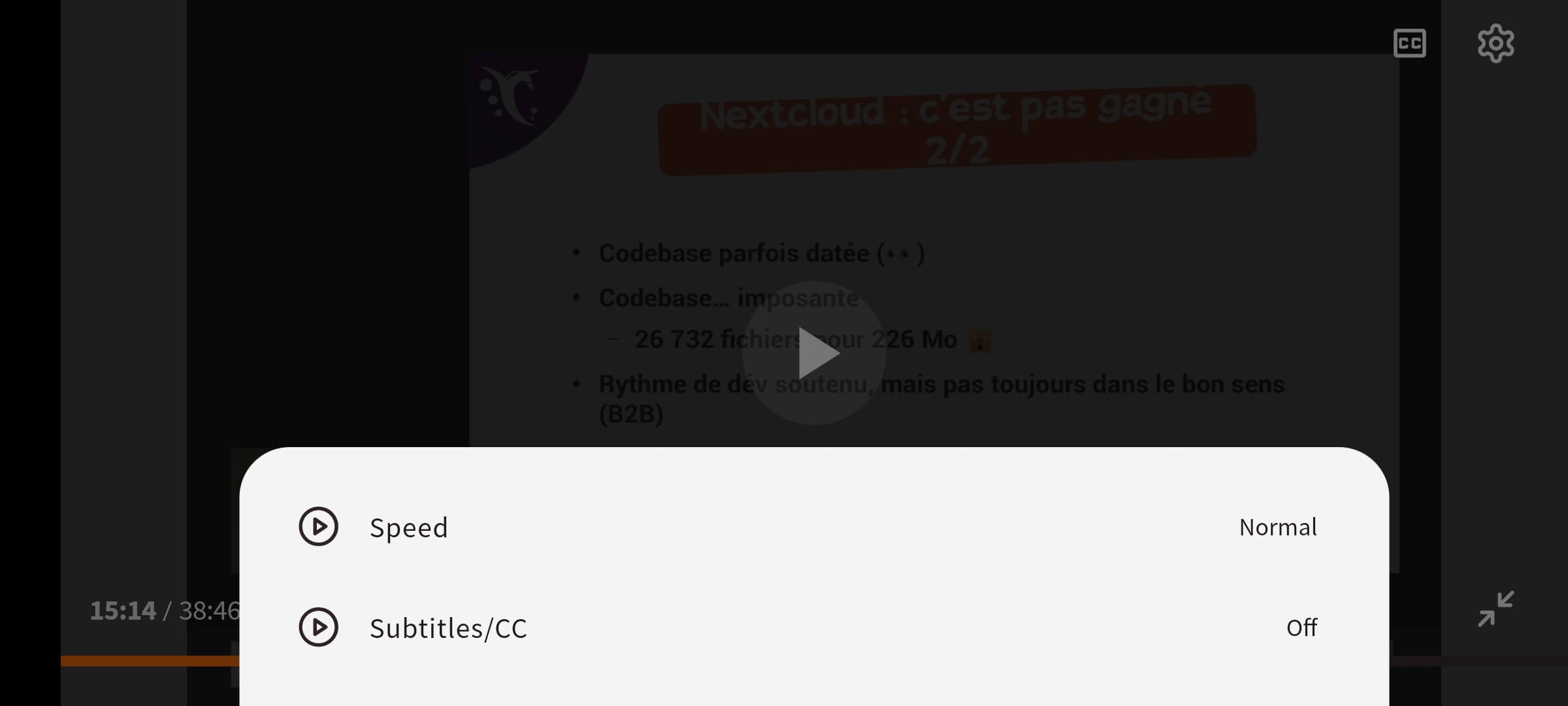
Video options
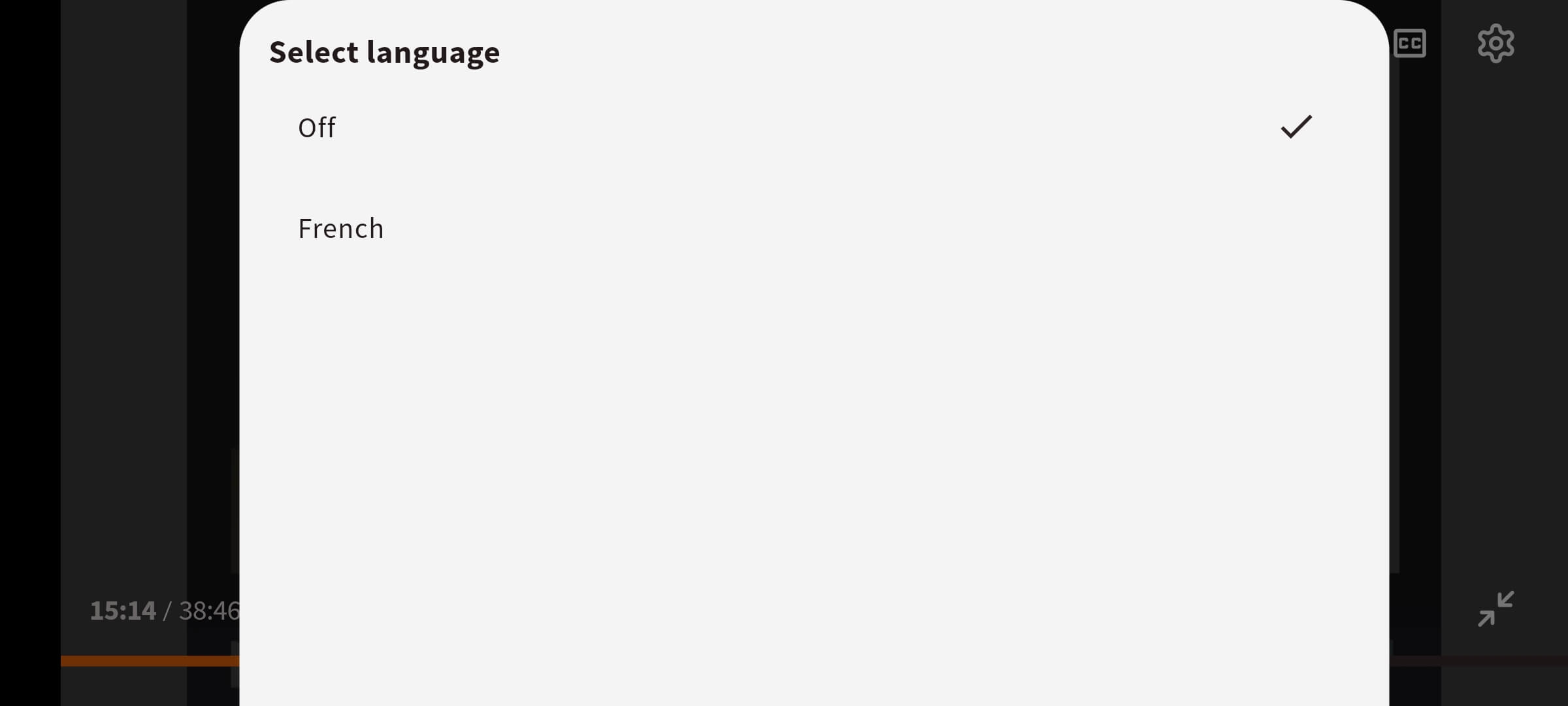
By clicking the icon, you have access to the video settings, such as Speed or Subtitles.
By clicking the CC icon, you have access to the subtitles menu.
Watch later
You can add a video to your Watch later playlist by:
- clicking the icon below the video
- clicking the Watch later box
Once saved as Watch later you can find the video in the Library tab > Watch later playlist.
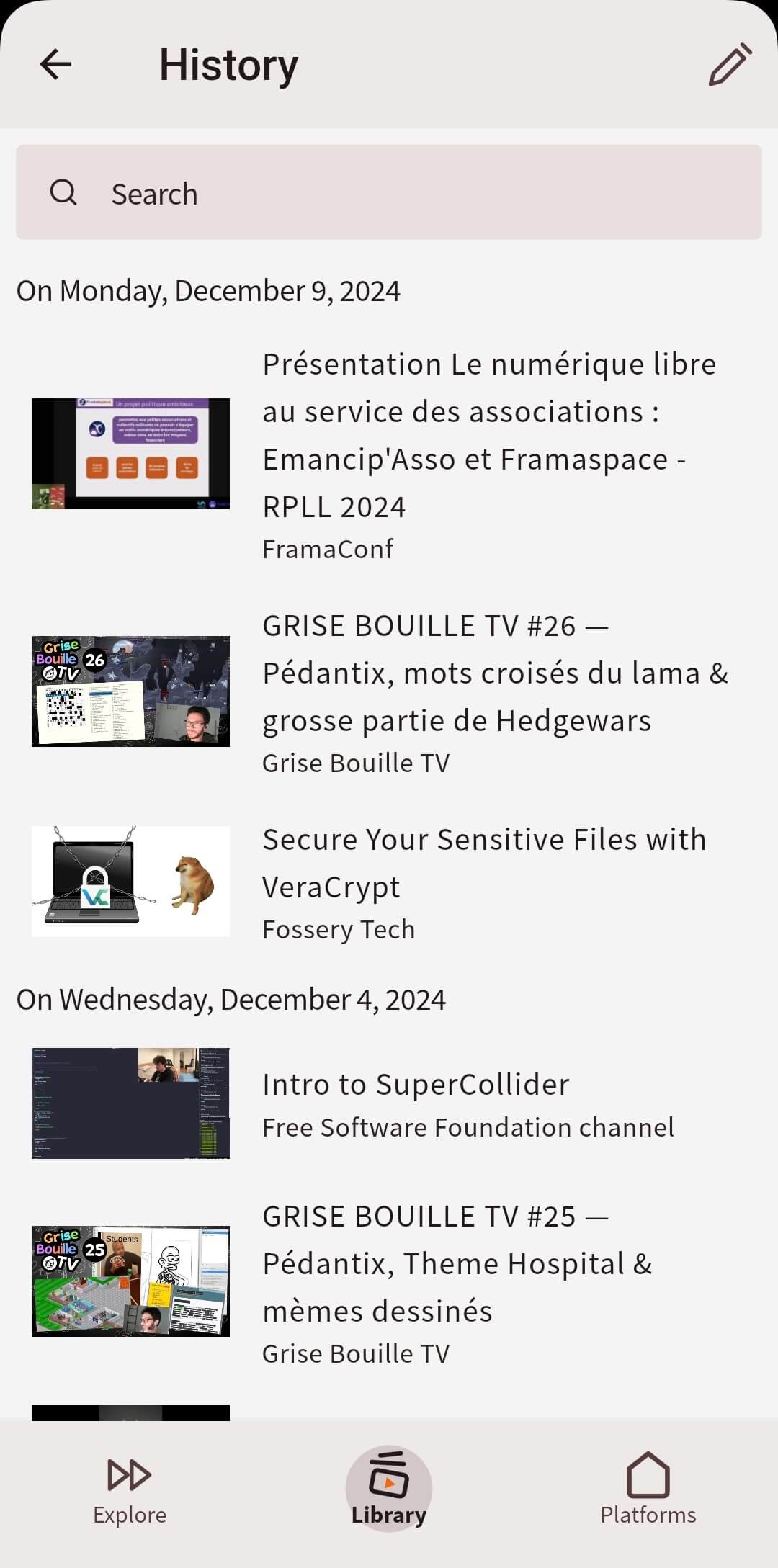
History
You can access to your watching history by:
- clicking on Library tab
- clicking the History button
Download videos
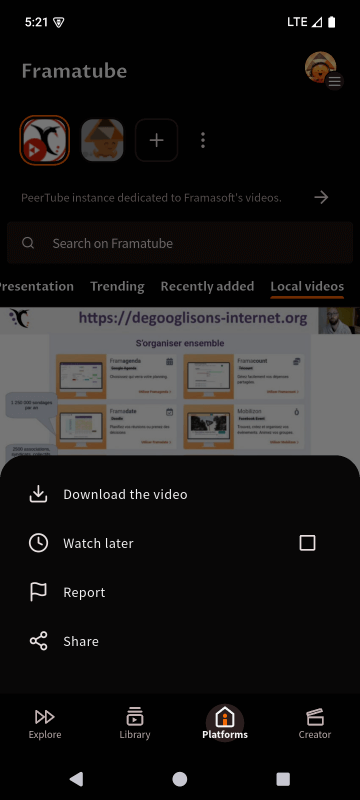
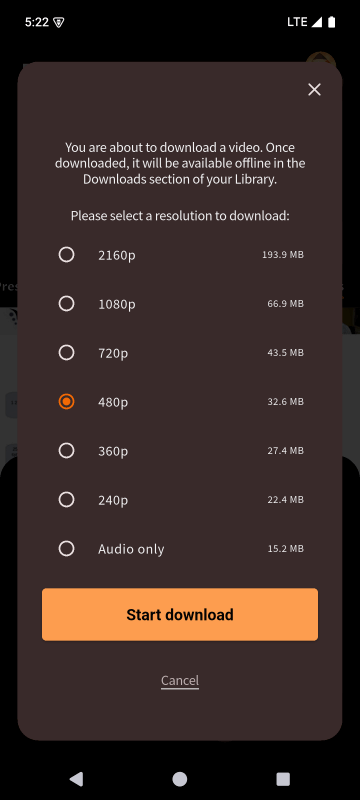
You can download a video by:
- clicking or directly the one below the video
- selecting the resolution you want to download
- clicking the Start download button

You can find and manage your downloaded video in the Library tabs: